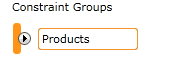
This is used in the Optimize Best Values tool to configure the items that will be included in an optimization model. A constraint group is made up of multiple Constraint Items or segments. These items could be related to individual products, or the channels that they are delivered through.
Add a new constraint group by selecting from the 'Create New' dropdown under the Constraint Group heading within the body of the 'Optimize Best Values' report, or drag in the tool from the toolbox.
A blank field will be displayed where you can add a name for the group.
Click the drop down arrow to reveal an area where you can add Constraint items. This can be done individually by selecting the 'Create New' dropdown within the group area and selecting a Predictive or Segment tool, or alternatively you can drag a column from the Data Explorer, for example 'Product Code', which will automatically create a Constraint Item for each discreet value in the column.
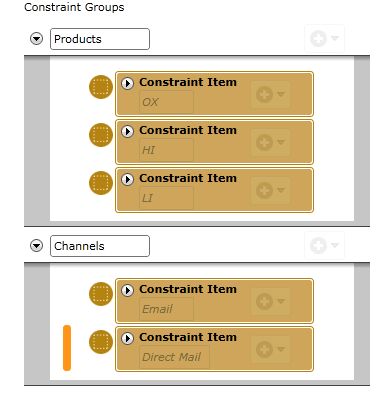
See the Constraint Item topic for further information about configuring these individually.